how to change a lightbulb
- Posted On: 27 Mar 2026
All types of replacement light bulbs are widely available in supermarkets; hardware stores or homeware stores. You can take the old light bulb to the store with you, to ask the shop assistant to help you or match it yourself to the bulbs on the shelves.
The three video links below show you how to change a light bulb, watch the relevant video before you change the bulb. You will also find below a written explanation of the types of light bulbs and how to change them.
VIDEO LINKS
Bayonet light bulbs (classic or screw mount) or halogen spotlights are most commonly found in all areas of the property other than the bathroom: https://www.youtube.com/watch?v=JW2Br1yjwZA
2D light bulbs are most commonly found in bathrooms and new build communal areas: https://www.youtube.com/watch?v=2ld-RoOwsxI
Strip fluorescent tubes are found in some kitchens: https://www.youtube.com/watch?v=0ozxHtexEGE
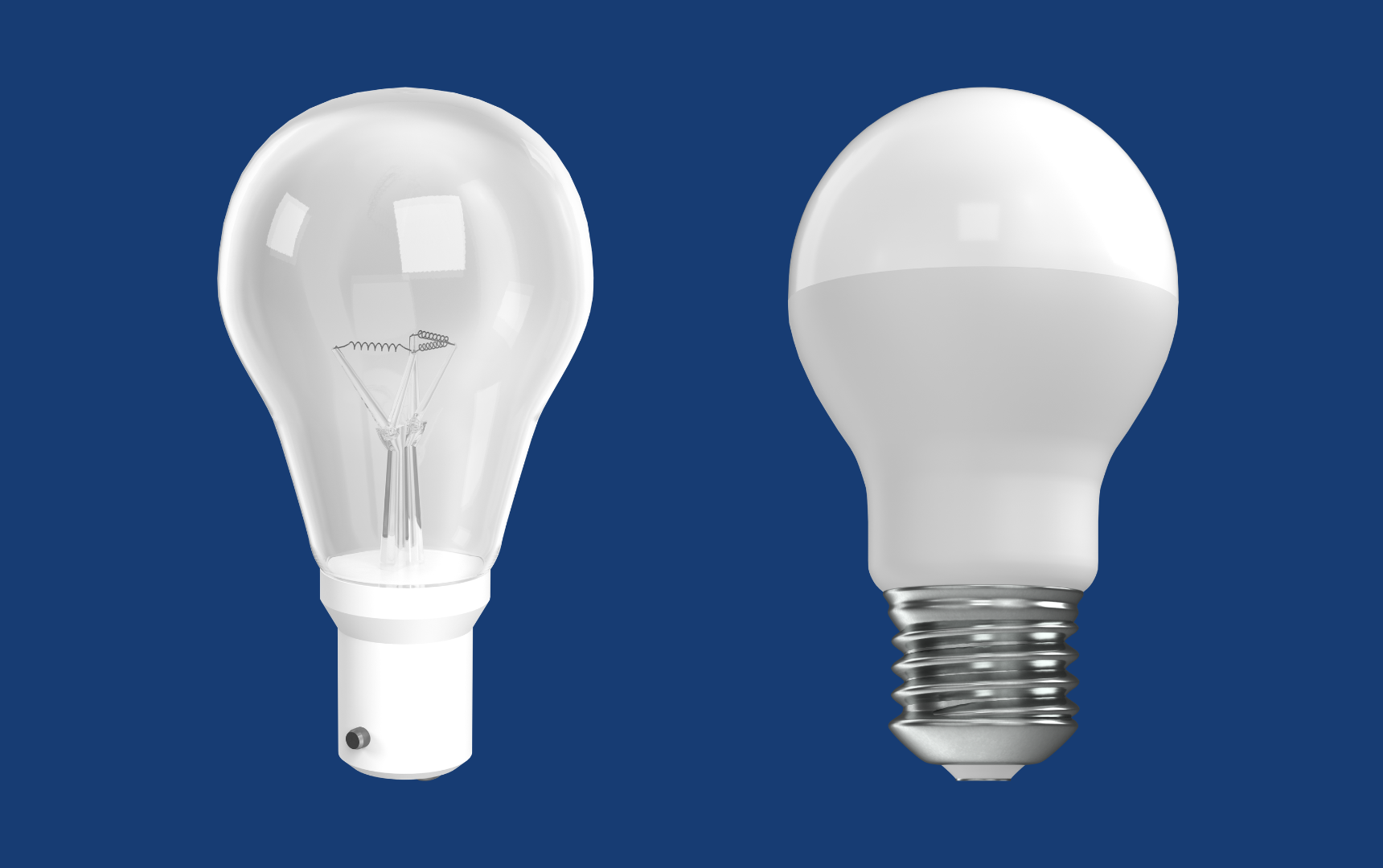
Bayonet light bulb
Classic fitting with two pins or screw Classic
- Turn the light off
- Let the bulb cool down
- Ensure you can safely reach the bulb
- Remove the bulb a) Classic - Grasp the bulb lightly but firmly, push inwards gently and turn anticlockwise until it is released from the socket b) Screw - Keep gently twisting anticlockwise until the bulb comes loose from the socket. Do not put your fingers in the exposed light socket
- Check the type of bulb and wattage on the used light bulb and replace with the same light
- Replace the bulb - Insert a replacement bulb lightly but firmly into the socket. Depending on the type, turn it clockwise until it locks into place or keep gently twisting clockwise until it won’t go any further
- Switch the light back on
- Safely dispose of the old bulb.
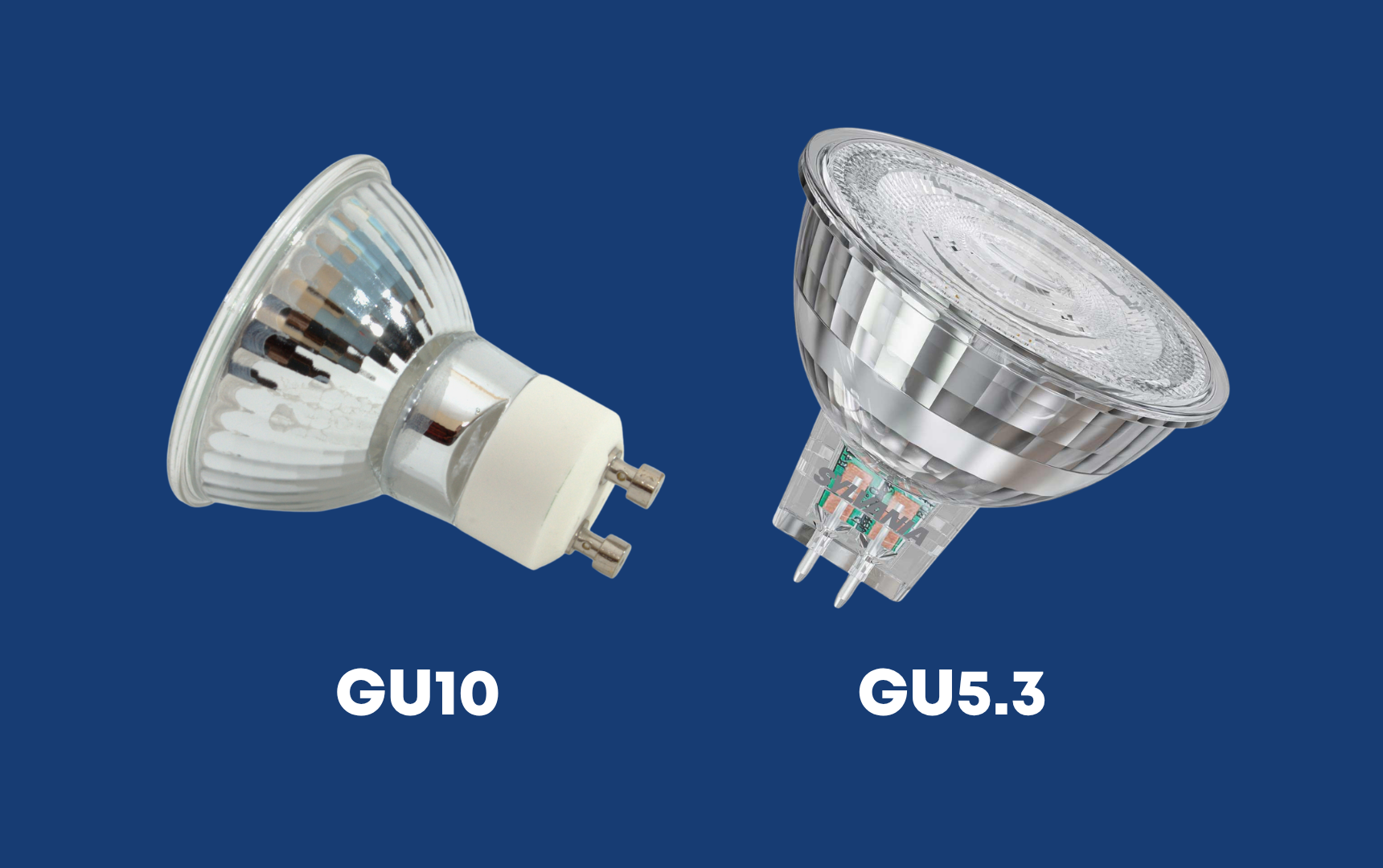
Halogen light bulb
Classic fitting with two pins or screw
- Turn the light off
- Let the bulb cool down
- Ensure you can safely reach the bulb
- Press inward on the halogen bulb that is already screwed into place in your light fixture using both thumbs and rotate counter clockwise about 90 degrees
- Pull the light bulb straight out of the socket
- Do not put your fingers in the exposed light socket
- Check the type of bulb and wattage on the used light bulb and replace with the same light bulb
- Replace the bulb from the same position that you took the old bulbs from. Twist it clockwise as far it will go
- Switch the light back on
- Safely dispose of the old bulb.
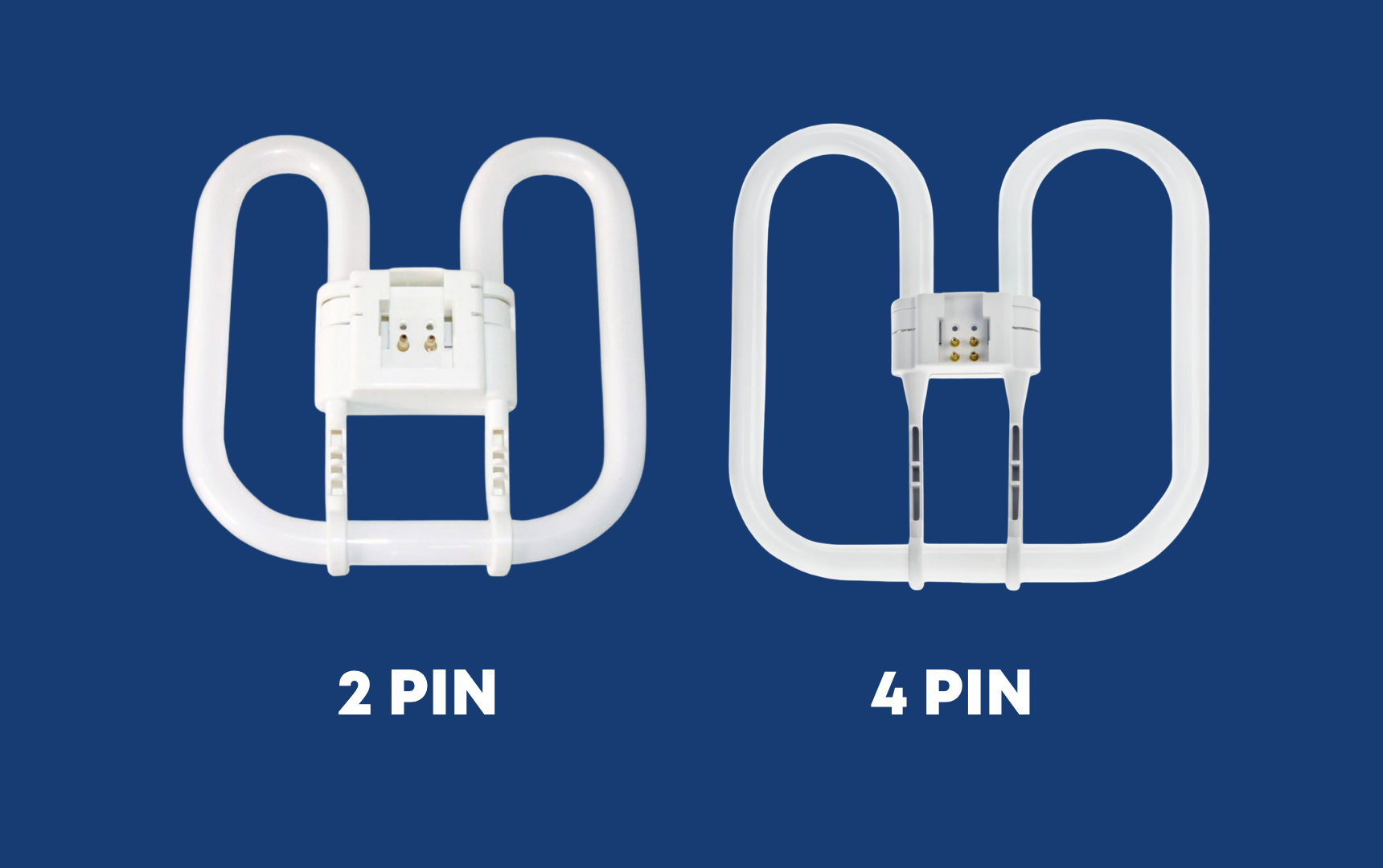
2D light bulb
Fitting with two or four pins
- Turn the light off
- Let the bulb cool down
- Ensure you can safely reach the bulb
- Remove the cover a) Take out the screws remembering to support the cover b) Gently pushing the cover inward, within the mounting and then slide the cover to one side, releasing the holding clips. It will release
- Remove the light bulb by holding the centre point of the bulb unit (not the bulb itself) and pulling it out of the fitting
- Do not put your fingers in the exposed light socket
- Check the type of bulb, number of pins and wattage on the used light bulb and replace with the same light bulb
- Replace the bulb. Simply push the new bulb back into the fitting, again holding the centre point of the unit
- Secure the cover back into place with the screws or push it back on
- Switch the light back on
- Safely dispose of the old bulb